Turn a Claude artifact into an app
You made something in Claude and want other people to use it. Add iqobi to Claude, then ask Claude to put your artifact on iqobi. It becomes an app at its own address that opens in any browser and in the iqobi app for iPhone.
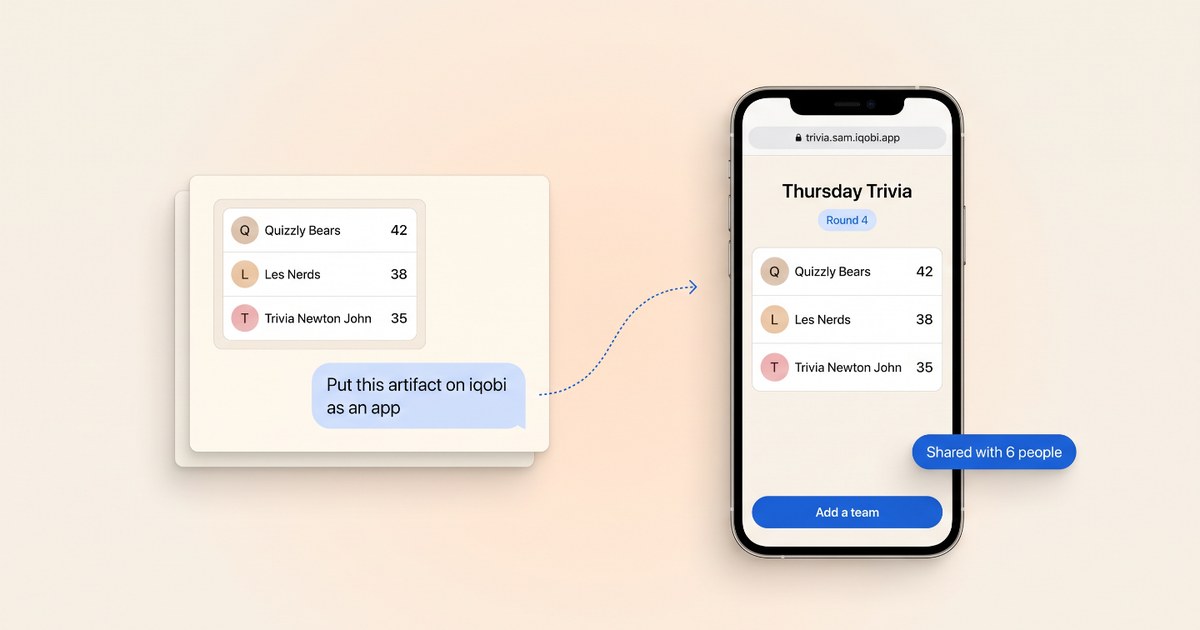
How it works
Add iqobi to Claude
Add iqobi from Claude's connector directory. Sign in to iqobi, check what Claude asks to do, and select Allow.
Ask for the app
In the chat with your artifact, ask Claude to put it on iqobi. Claude uploads the app, and iqobi checks that it works.
Try the preview
Claude gives you a preview link. Ask for changes until the app is right.
Make it live and share
Ask Claude to make the app live when the preview is right. The app starts private. In iqobi, select Share to choose who can open it.
Then ask Claude
- Put this artifact on iqobi as an app
- Put this on iqobi so my book club can add their picks
- Save the scores so everyone sees the same leaderboard
- Change the colors and make the new version live
Made on iqobi
- White Elephant Game: white elephant
- Family Organizer: Family Organizer
More things to make
- Make a website without code: Describe the website you want in plain words. iqobi builds it at its own web address that you can share. No code and no templates.
- Make an app without coding: Describe an app in plain words and iqobi builds it. Try apps made on iqobi, remix one, and share yours with a link.
- Tired of paying for apps? Make your own: Swap an app you pay for with one you make yourself. Describe what you need in plain words and iqobi builds it. Start free.